
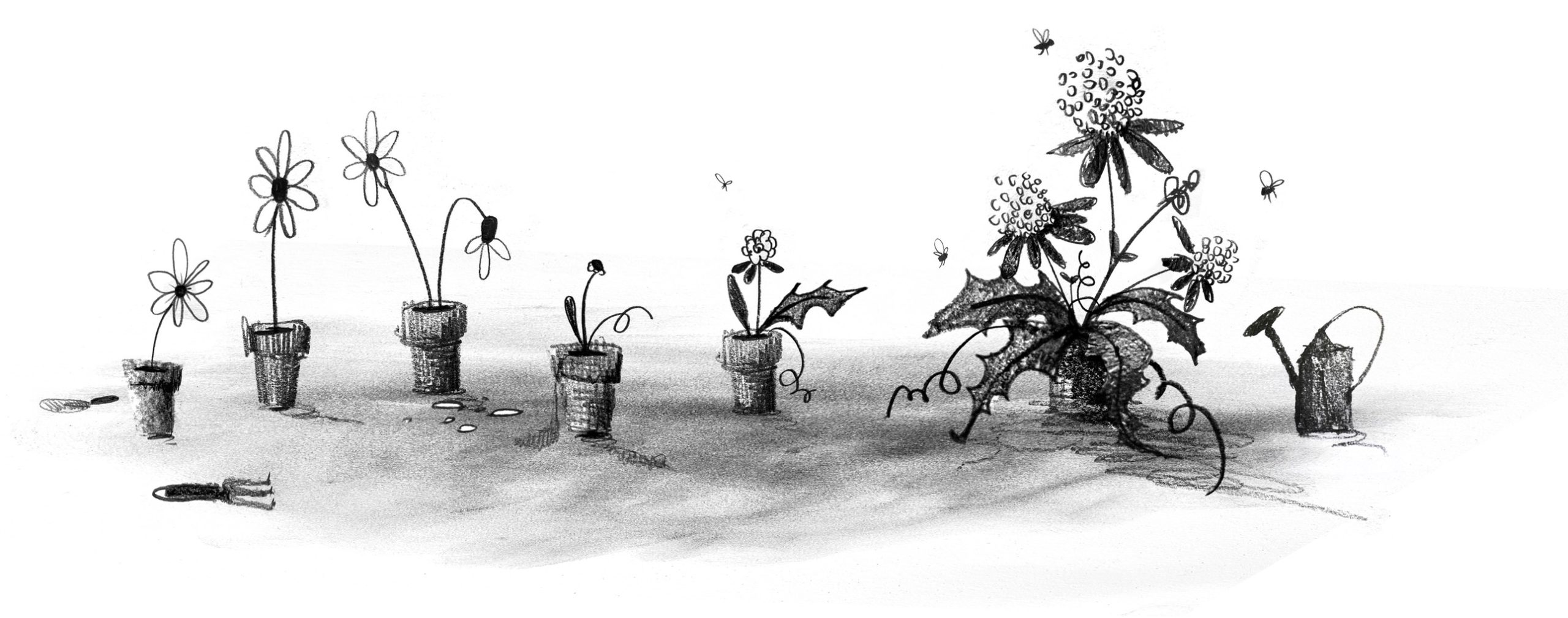
I offer a single bit of advice to friends and family when they become new parents: When you start to think that you’ve got everything figured out, everything will change. Just as you start to get the hang of feedings, diapers, and regular naps, it’s time for solid food, potty training, and overnight sleeping. When you figure those out, it’s time for preschool and rare naps. The cycle goes on and on.
The same applies for those of us working in design and development these days. Having worked on the web for almost three decades at this point, I’ve seen the regular wax and wane of ideas, techniques, and technologies. Each time that we as developers and designers get into a regular rhythm, some new idea or technology comes along to shake things up and remake our world.
How we got here#section2
I built my first website in the mid-’90s. Design and development on the web back then was a free-for-all, with few established norms. For any layout aside from a single column, we used table elements, often with empty cells containing a single pixel spacer GIF to add empty space. We styled text with numerous font tags, nesting the tags every time we wanted to vary the font style. And we had only three or four typefaces to choose from: Arial, Courier, or Times New Roman. When Verdana and Georgia came out in 1996, we rejoiced because our options had nearly doubled. The only safe colors to choose from were the 216 “web safe” colors known to work across platforms. The few interactive elements (like contact forms, guest books, and counters) were mostly powered by CGI scripts (predominantly written in Perl at the time). Achieving any kind of unique look involved a pile of hacks all the way down. Interaction was often limited to specific pages in a site.
The birth of web standards#section3
At the turn of the century, a new cycle started. Crufty code littered with table layouts and font tags waned, and a push for web standards waxed. Newer technologies like CSS got more widespread adoption by browsers makers, developers, and designers. This shift toward standards didn’t happen accidentally or overnight. It took active engagement between the W3C and browser vendors and heavy evangelism from folks like the Web Standards Project to build standards. A List Apart and books like Designing with Web Standards by Jeffrey Zeldman played key roles in teaching developers and designers why standards are important, how to implement them, and how to sell them to their organizations. And approaches like progressive enhancement introduced the idea that content should be available for all browsers—with additional enhancements available for more advanced browsers. Meanwhile, sites like the CSS Zen Garden showcased just how powerful and versatile CSS can be when combined with a solid semantic HTML structure.
Server-side languages like PHP, Java, and .NET overtook Perl as the predominant back-end processors, and the cgi-bin was tossed in the trash bin. With these better server-side tools came the first era of web applications, starting with content-management systems (particularly in the blogging space with tools like Blogger, Grey Matter, Movable Type, and WordPress). In the mid-2000s, AJAX opened doors for asynchronous interaction between the front end and back end. Suddenly, pages could update their content without needing to reload. A crop of JavaScript frameworks like Prototype, YUI, and jQuery arose to help developers build more reliable client-side interaction across browsers that had wildly varying levels of standards support. Techniques like image replacement let crafty designers and developers display fonts of their choosing. And technologies like Flash made it possible to add animations, games, and even more interactivity.
These new technologies, standards, and techniques reinvigorated the industry in many ways. Web design flourished as designers and developers explored more diverse styles and layouts. But we still relied on tons of hacks. Early CSS was a huge improvement over table-based layouts when it came to basic layout and text styling, but its limitations at the time meant that designers and developers still relied heavily on images for complex shapes (such as rounded or angled corners) and tiled backgrounds for the appearance of full-length columns (among other hacks). Complicated layouts required all manner of nested floats or absolute positioning (or both). Flash and image replacement for custom fonts was a great start toward varying the typefaces from the big five, but both hacks introduced accessibility and performance problems. And JavaScript libraries made it easy for anyone to add a dash of interaction to pages, although at the cost of doubling or even quadrupling the download size of simple websites.
The web as software platform#section4
The symbiosis between the front end and back end continued to improve, and that led to the current era of modern web applications. Between expanded server-side programming languages (which kept growing to include Ruby, Python, Go, and others) and newer front-end tools like React, Vue, and Angular, we could build fully capable software on the web. Alongside these tools came others, including collaborative version control, build automation, and shared package libraries. What was once primarily an environment for linked documents became a realm of infinite possibilities.
At the same time, mobile devices became more capable, and they gave us internet access in our pockets. Mobile apps and responsive design opened up opportunities for new interactions anywhere and any time.
This combination of capable mobile devices and powerful development tools contributed to the waxing of social media and other centralized tools for people to connect and consume. As it became easier and more common to connect with others directly on Twitter, Facebook, and even Slack, the desire for hosted personal sites waned. Social media offered connections on a global scale, with both the good and bad that that entails.
Want a much more extensive history of how we got here, with some other takes on ways that we can improve? Jeremy Keith wrote “Of Time and the Web.” Or check out the “Web Design History Timeline” at the Web Design Museum. Neal Agarwal also has a fun tour through “Internet Artifacts.”
Where we are now#section5
In the last couple of years, it’s felt like we’ve begun to reach another major inflection point. As social-media platforms fracture and wane, there’s been a growing interest in owning our own content again. There are many different ways to make a website, from the tried-and-true classic of hosting plain HTML files to static site generators to content management systems of all flavors. The fracturing of social media also comes with a cost: we lose crucial infrastructure for discovery and connection. Webmentions, RSS, ActivityPub, and other tools of the IndieWeb can help with this, but they’re still relatively underimplemented and hard to use for the less nerdy. We can build amazing personal websites and add to them regularly, but without discovery and connection, it can sometimes feel like we may as well be shouting into the void.
Browser support for CSS, JavaScript, and other standards like web components has accelerated, especially through efforts like Interop. New technologies gain support across the board in a fraction of the time that they used to. I often learn about a new feature and check its browser support only to find that its coverage is already above 80 percent. Nowadays, the barrier to using newer techniques often isn’t browser support but simply the limits of how quickly designers and developers can learn what’s available and how to adopt it.
Today, with a few commands and a couple of lines of code, we can prototype almost any idea. All the tools that we now have available make it easier than ever to start something new. But the upfront cost that these frameworks may save in initial delivery eventually comes due as upgrading and maintaining them becomes a part of our technical debt.
If we rely on third-party frameworks, adopting new standards can sometimes take longer since we may have to wait for those frameworks to adopt those standards. These frameworks—which used to let us adopt new techniques sooner—have now become hindrances instead. These same frameworks often come with performance costs too, forcing users to wait for scripts to load before they can read or interact with pages. And when scripts fail (whether through poor code, network issues, or other environmental factors), there’s often no alternative, leaving users with blank or broken pages.
Where do we go from here?#section6
Today’s hacks help to shape tomorrow’s standards. And there’s nothing inherently wrong with embracing hacks—for now—to move the present forward. Problems only arise when we’re unwilling to admit that they’re hacks or we hesitate to replace them. So what can we do to create the future we want for the web?
Build for the long haul. Optimize for performance, for accessibility, and for the user. Weigh the costs of those developer-friendly tools. They may make your job a little easier today, but how do they affect everything else? What’s the cost to users? To future developers? To standards adoption? Sometimes the convenience may be worth it. Sometimes it’s just a hack that you’ve grown accustomed to. And sometimes it’s holding you back from even better options.
Start from standards. Standards continue to evolve over time, but browsers have done a remarkably good job of continuing to support older standards. The same isn’t always true of third-party frameworks. Sites built with even the hackiest of HTML from the ’90s still work just fine today. The same can’t always be said of sites built with frameworks even after just a couple years.
Design with care. Whether your craft is code, pixels, or processes, consider the impacts of each decision. The convenience of many a modern tool comes at the cost of not always understanding the underlying decisions that have led to its design and not always considering the impact that those decisions can have. Rather than rushing headlong to “move fast and break things,” use the time saved by modern tools to consider more carefully and design with deliberation.
Always be learning. If you’re always learning, you’re also growing. Sometimes it may be hard to pinpoint what’s worth learning and what’s just today’s hack. You might end up focusing on something that won’t matter next year, even if you were to focus solely on learning standards. (Remember XHTML?) But constant learning opens up new connections in your brain, and the hacks that you learn one day may help to inform different experiments another day.
Play, experiment, and be weird! This web that we’ve built is the ultimate experiment. It’s the single largest human endeavor in history, and yet each of us can create our own pocket within it. Be courageous and try new things. Build a playground for ideas. Make goofy experiments in your own mad science lab. Start your own small business. There has never been a more empowering place to be creative, take risks, and explore what we’re capable of.
Share and amplify. As you experiment, play, and learn, share what’s worked for you. Write on your own website, post on whichever social media site you prefer, or shout it from a TikTok. Write something for A List Apart! But take the time to amplify others too: find new voices, learn from them, and share what they’ve taught you.
Go forth and make#section7
As designers and developers for the web (and beyond), we’re responsible for building the future every day, whether that may take the shape of personal websites, social media tools used by billions, or anything in between. Let’s imbue our values into the things that we create, and let’s make the web a better place for everyone. Create that thing that only you are uniquely qualified to make. Then share it, make it better, make it again, or make something new. Learn. Make. Share. Grow. Rinse and repeat. Every time you think that you’ve mastered the web, everything will change.

Mystery Hackers – Experts in Ethical Hacking and Cryptos Recovery
Victim of an online scam? Lost money in crypto or hacked accounts? Mystery Hackers is the team you need. Our ethical hackers use legal and advanced methods to recover your funds and strengthen your cybersecurity. https://mysteryhackers.com/
Just discovered AndeDigi’s image tool collection. It’s my new go-to for quick online edits and processing. Super handy for web dev work when I need to format code or generate a QR code on the fly. All the essentials are right there and free to use.
The Neighbourhood has officially announced their 2026 tour, and fans are already excited. This tour will bring the band to many cities with a full live show that highlights their most loved songs. The concert is designed for fans who want to experience the music in a real and powerful way.
Zach Bryan has announced his 2026 concert tour, and fans are already excited. This tour will bring his live shows to many cities across the country. Zach Bryan is known for honest songs and real stories that connect with people of all ages. Hearing his music live feels personal and powerful, with every song shared straight from the heart.
David Guetta is ready to light up 2026 with a tour that feels like one big party. Fans around the world know his music brings pure energy, and this tour will be no different. His shows are full of strong beats, bright lights, and a crowd that dances from the first song to the last. If you love music that makes you move, this is the perfect night for you.
Explore the Flip ClockScreensaversRetro flip clock screensaver with smooth time transitionsscreensaverclockretro background generator! Perfect for creative projects, content creation, and professional applications. Try it now: https://whitescreen.show/flip-clock-screensaver/
Get ready for an amazing night with Ed Sheeran in 2026! His tour is finally here, and fans all over the world can see him live. Ed will sing his newest songs and all the hits everyone loves. His concerts are full of energy, emotion, and unforgettable moments.
Great weeks calculator! This tool is really helpful for planning ahead. Thanks for sharing this useful resource.
Hey, just found this gorgeous fall screen saver on WhiteScreen.show. I’ve been using it on my work computer and it’s such a nice little mood booster. No more staring at a boring black screen – it just quietly cycles through these beautiful autumn photos. Perfect for getting into the cozy season vibe without any effort. You should check it out!
Explore the Blue ScreenColorsPure blue background for presentations and display calibrationcolorbasic background generator! Perfect for creative projects, content creation, and professional applications. Try it now: https://whitescreen.show/blue-screen/
Great days calculator! This tool is really helpful for planning ahead. Thanks for sharing this useful resource.
Hey, just found this super simple click speed test. I was curious how my mouse skills stacked up, and this 10-second test actually showed me. It’s a quick way to see if your clicking speed is decent, especially if you game or do a lot of computer work. I got 65 clicks – not pro-level, but not bad! You should give it a try and see your score.
Professional Loading Screen with animated progress indicators. Perfect for presentations and video content. Experience it: https://whitescreen.show/loading-screen/
Hey, just found this super simple “White Screen” tool. I use it all the time to make my face look brighter on Zoom calls—it’s way better than sitting with a weird desk lamp in my eyes. It’s also perfect for tracing drawings. Seriously, such a random but useful little lifesaver for work!
Matrix-style Hacker Screen with live typing animation. Perfect for cybersecurity demos and tech presentations. Try it: https://whitescreen.show/fake-hacked-message/
Explore the Zoom LightingProfessionalOptimal lighting background for video calls and meetingsprofessionalmeetinglighting background generator! Perfect for creative projects, content creation, and professional applications. Try it now: https://whitescreen.show/zoom-lighting/
Hey, just found this site that has the exact Windows 95 startup screen and sound! I used it for a retro-themed video intro and it was perfect. If you ever need that hit of pure 90s nostalgia for a project or just want to show someone what turning on a computer used to be like, this is your go-to. So much simpler than trying to film a real old PC!
Very Well Said!
Free AI image upscaler online. Upscale images to 16K instantly – no registration, no watermarks, unlimited use. Best free tool for photos, artwork, and graphics. Try now!
What stood out to me most was the reminder that the web is shaped as much by human choices as by technology. We often talk about tools and platforms, but less about the language and metaphors we use when building them. Naming, framing, and storytelling quietly influence how projects live or fade over time. Exploring a conceptual naming reference recently made me realize how even playful decisions can reflect deeper values. This article does a great job of pulling those quieter forces into the conversation.